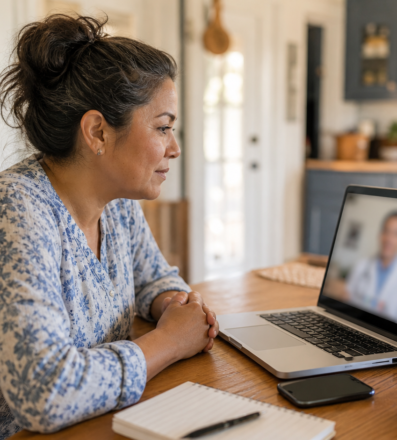
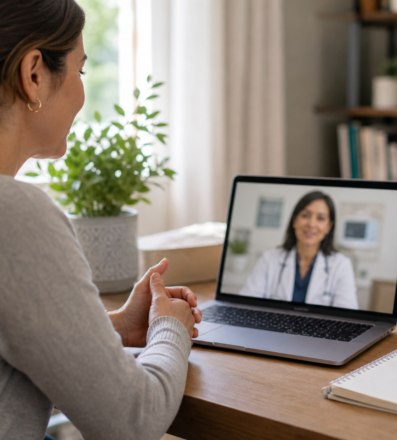
A telehealth visit can save travel time and make follow-up more convenient, but preparation matters. A stable connection, accurate information, and a backup plan help you and the clinician focus on your health rather than avoidable technical problems.
This article provides general education and does not replace individualized medical advice, diagnosis, or treatment.
Test the technology early
Charge the device, check the camera and microphone, update the required browser or app, and confirm the appointment link. Choose a stable internet connection when available. Keep the clinic phone number nearby in case video fails. Never send health details to an unverified link.
Create a useful visit space
Choose a quiet, well-lit, private place. Position the camera so your face is visible and use headphones if they improve privacy. Tell the clinician if another person is present or helping. Avoid joining while driving.
Put key information within reach
Have your photo identification and insurance information if requested, plus medicines and supplements, pharmacy details, allergies, recent readings, symptom notes, and questions. If you need language or accessibility support, contact the clinic in advance.
Know what virtual care can handle
Telehealth may work well for some follow-ups, medication questions, mental health support, and mild symptoms. An in-person examination, testing, or imaging may still be necessary. Compare options in our visit guide and explore telehealth care.
Have an emergency plan
Telehealth is not a substitute for emergency response. Call 911 for severe trouble breathing, chest pain or pressure, signs of stroke, heavy uncontrolled bleeding, or another life-threatening concern. For routine needs, use the Telehealth Hub or request an appointment.
Care in Pomona and nearby communities
All American CHC serves Pomona, Claremont, La Verne, Montclair, Diamond Bar, Walnut, San Dimas, Covina, West Covina, and nearby communities. Explore our service areas or use the appointment page to request care.
Frequently asked questions
Can I use a phone for telehealth?
Often, yes, if the platform supports it and the camera, microphone, and connection work.
What if the video connection drops?
Use the clinic’s backup instructions or phone number. Confirm at the start how the clinician will reconnect.
Should I measure vital signs at home?
Only if you have suitable equipment and know how to use it. Tell the clinician how each reading was taken.